 DocuMela
Open it.Change it.Keep it on your phone.
DocuMela reads and edits PDF, Word, Excel and PowerPoint files on Android. There is no account to create, and your documents are never uploaded.
Get it on Google Playመላ (mela) is Amharic for a solution, a way through. DocuMela is a way through your documents.
Trip report
We reached Adama before noon and met the team at the office.
The new system was installed on all twelve computers.
Try it: tap a line above and type. Editing in the app works the same way, one paragraph at a time.
Four kinds of file, one small app
Pick a file type to see what you can do with it.
Read, search and mark up
Password-protected PDFs open after you type the password.
- Zoom, search for a word, jump to any page, and read in night mode.
- The app remembers the page where you stopped.
- Add text anywhere on a page, in English or Amharic.
- Stick a yellow note on a page, or highlight an area.
- Cover old text and type new text over it.
- Undo takes back your last change.
Tap a paragraph, change the words
Works with .docx files.
- Headings, bold and italic text, lists, tables and pictures are shown.
- Tap any paragraph to rewrite it.
- Add a paragraph below, or delete one.
- Text inside tables can be edited too.
- Fonts, pictures and page setup in the file are kept when you save.
Tap a cell, type a value
Works with .xlsx and .csv files.
- Scroll the grid and switch between sheets.
- Change text and numbers in any cell.
- Add rows and columns.
- Formula cells show their result and stay protected.
- Charts, colours and column widths in the file are kept when you save.
See the slides, edit the text, present
Works with .pptx files.
- Slides are drawn with their background, colours and pictures.
- Tap any text on a slide to change it.
- Add points, add slides, delete slides.
- Start a new presentation from one of ten themes.
- Play a full-screen slideshow from your phone.
Your files are your business
Many document apps want an account, your storage and a connection. DocuMela asks for none of them.
No account
Install the app and open a file. There is nothing to sign up for.
No storage permission
You choose each file yourself. The app cannot look through the rest of your phone.
Nothing is uploaded
Reading, editing and converting all happen on the phone, so it works without internet.
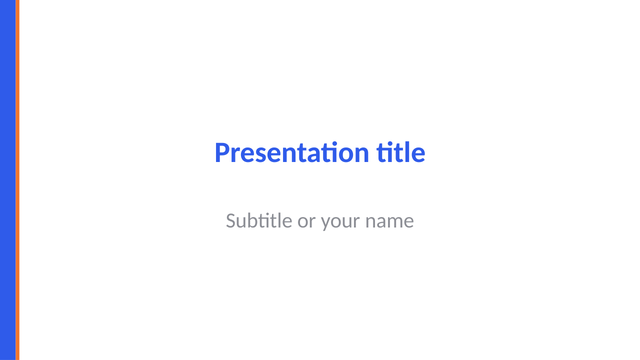
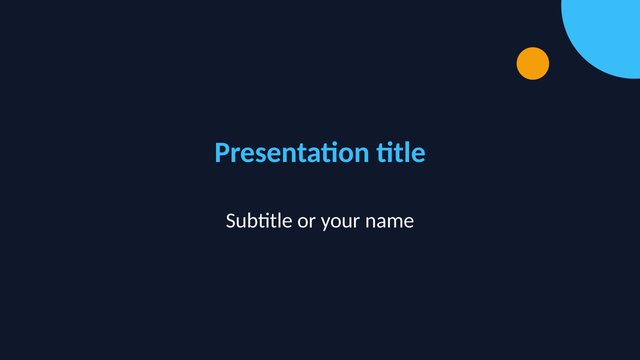
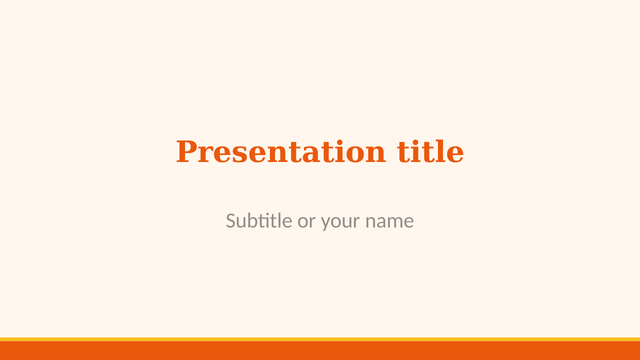
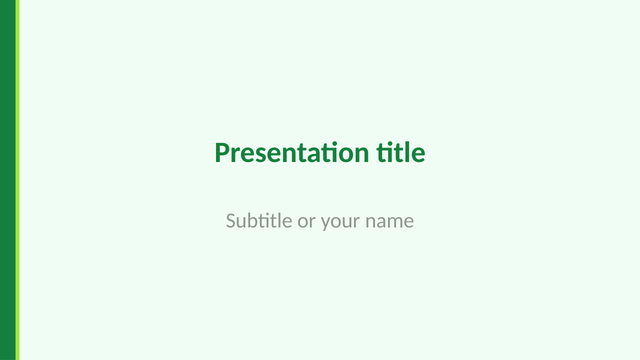
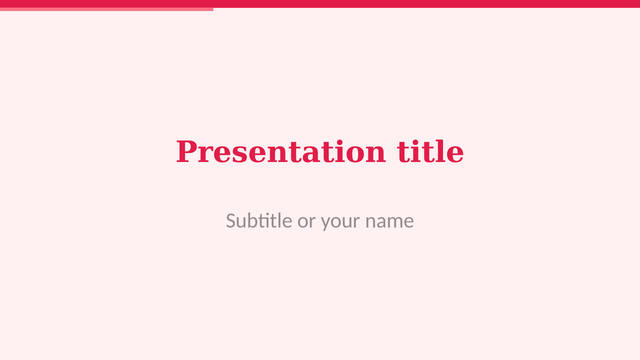
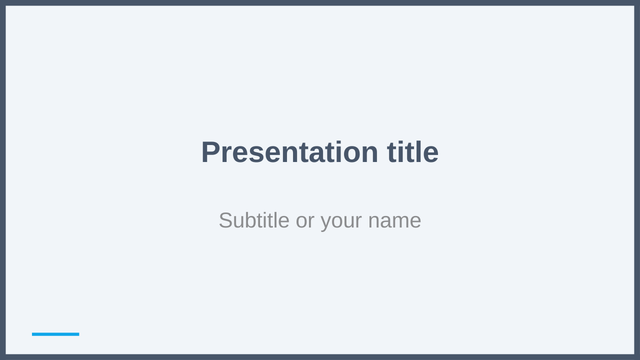
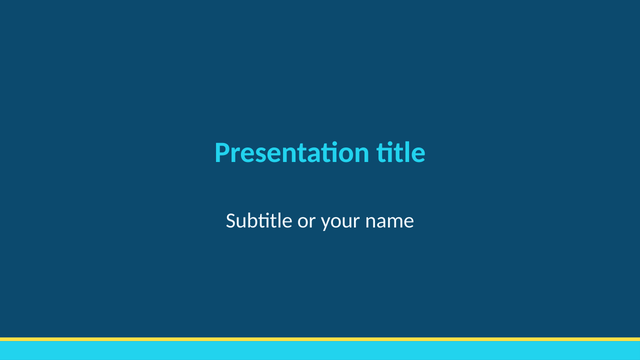
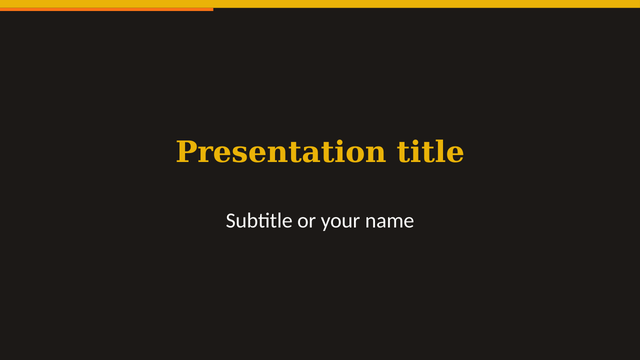
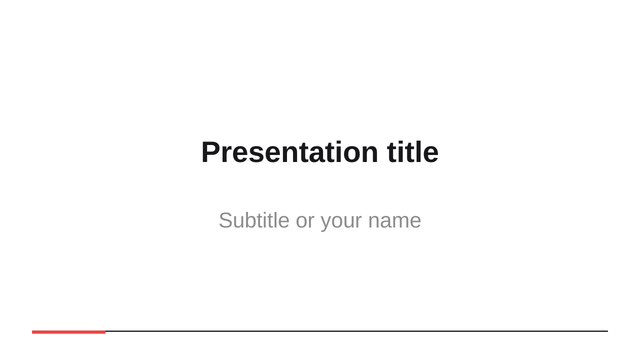
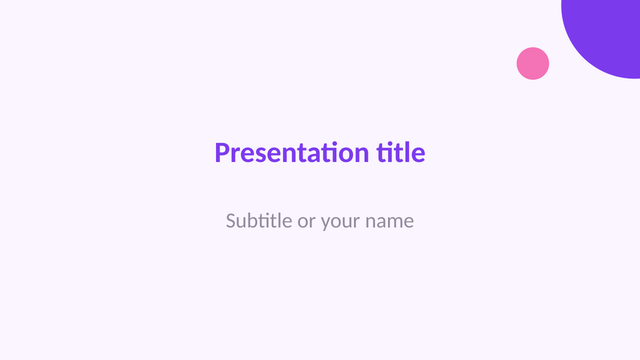
Ten themes for a new presentation
Choose a look, type your title and points, and present. The file opens in PowerPoint as well.
Turn one kind of file into another
Conversion runs on the phone. The new file keeps your content in a clean, simple layout.
Good to know before you install
- Word documents are shown in a reading view, not as the printed page.
- Converted files keep the content, not the exact design of the original.
- Older .doc, .xls and .ppt files are not supported.
- The app is free and shows ads on the home screen and between files, never on top of an open document.